LogoVibeCodingHunt
Logo of GitHub Copilot

GitHub Copilot

Boost developer productivity with AI-driven code suggestions directly in your IDE and workflows.

What is GitHub Copilot?

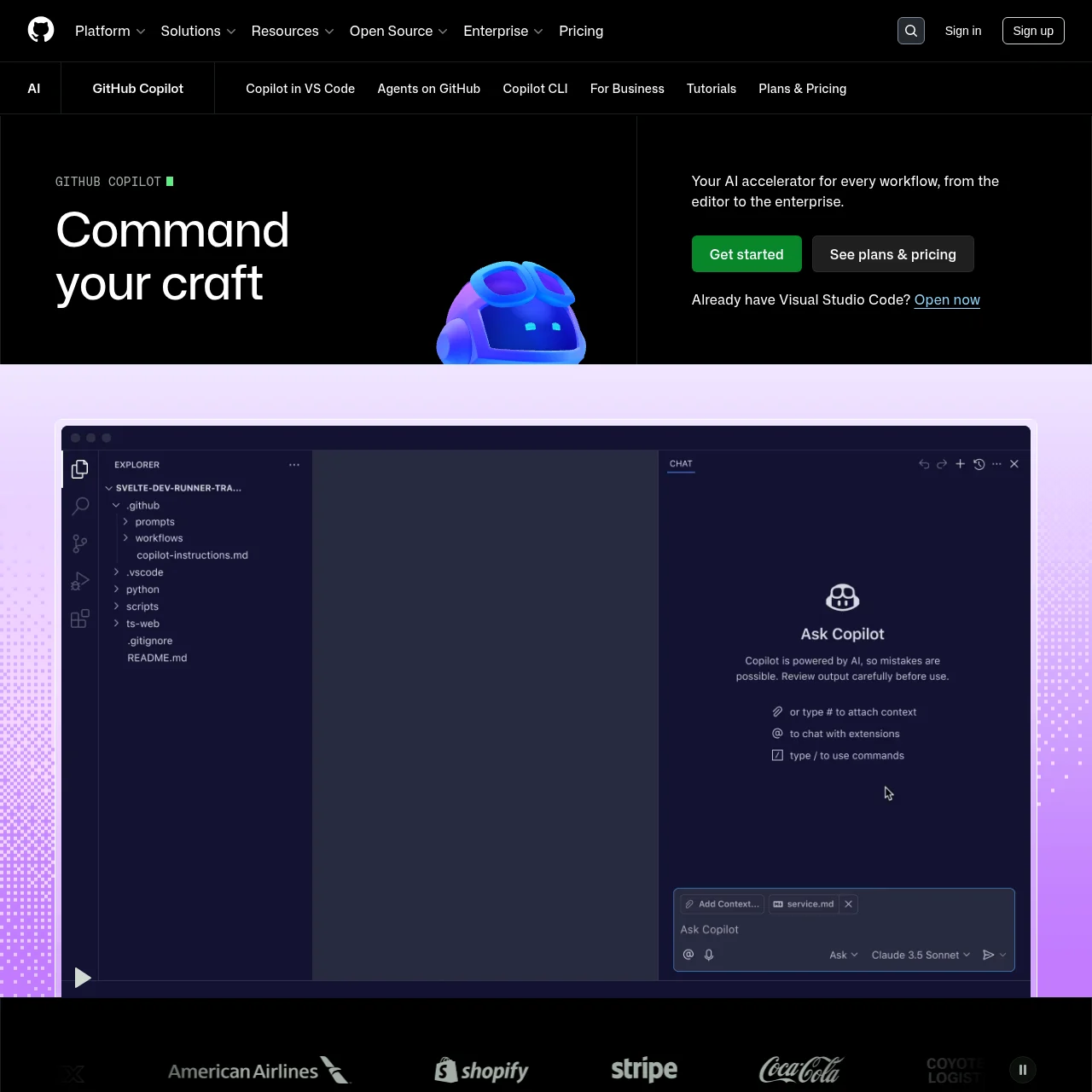
GitHub Copilot is an AI pair programmer designed to assist developers by providing real-time code suggestions, automating repetitive tasks, and accelerating software development. Integrated seamlessly into popular IDEs and GitHub workflows, it leverages AI to enhance coding efficiency and accuracy.

Key Features

IDE Integration

Works directly within VS Code, JetBrains, and other IDEs to provide instant code completions and suggestions.

AI Coding Agent

Autonomously writes code, creates pull requests, and responds to feedback in GitHub workflows.

Terminal Support

Allows natural language commands in the terminal for complex workflow execution powered by GitHub context.

Custom Knowledge

Tailors suggestions using project-specific documentation and repository context for accurate outputs.

Enterprise Controls

Provides governance features like audit logs, usage tracking, and managed agent access for organizations.

Use Cases

  • Code Refactoring: Quickly refactor legacy code with AI suggestions, ensuring modern best practices and reducing manual effort.
  • Bug Fixing: Identify and resolve bugs faster with AI-generated explanations and potential fixes directly in your IDE.
  • Learning New Frameworks: Accelerate onboarding by leveraging Copilot to generate boilerplate code and examples for unfamiliar frameworks.
  • Team Collaboration: Maintain consistency across team projects with AI-driven code reviews and standardized suggestions.

FAQs

1. Does GitHub Copilot copy code from public repositories?

No, Copilot generates suggestions probabilistically and does not reproduce exact code snippets from its training data.

2. Which programming languages does Copilot support?

Copilot supports all languages found in public repositories, with JavaScript, Python, and other popular languages offering the most robust suggestions.

3. Is Copilot free to use?

Copilot offers a free tier with limited functionality, alongside subscription-based Pro and Enterprise plans for advanced features.

4. How does Copilot handle privacy for proprietary code?

GitHub ensures privacy by not storing or retaining proprietary code used for generating suggestions, adhering to strict data policies.

5. Can Copilot be disabled for specific repositories?

Yes, organizations can restrict Copilot access or disable it for sensitive repositories using enterprise controls.

6. What AI models power GitHub Copilot?

Copilot utilizes multiple models, including GPT-5 and Claude, tailored for coding tasks and contextual accuracy.

Information

Newsletter

Stay on top of new AI tools

Get curated AI tool launches, useful discoveries, and directory updates from VibeCodingHunt.