LogoVibeCodingHunt
Logo of Cursor

Cursor

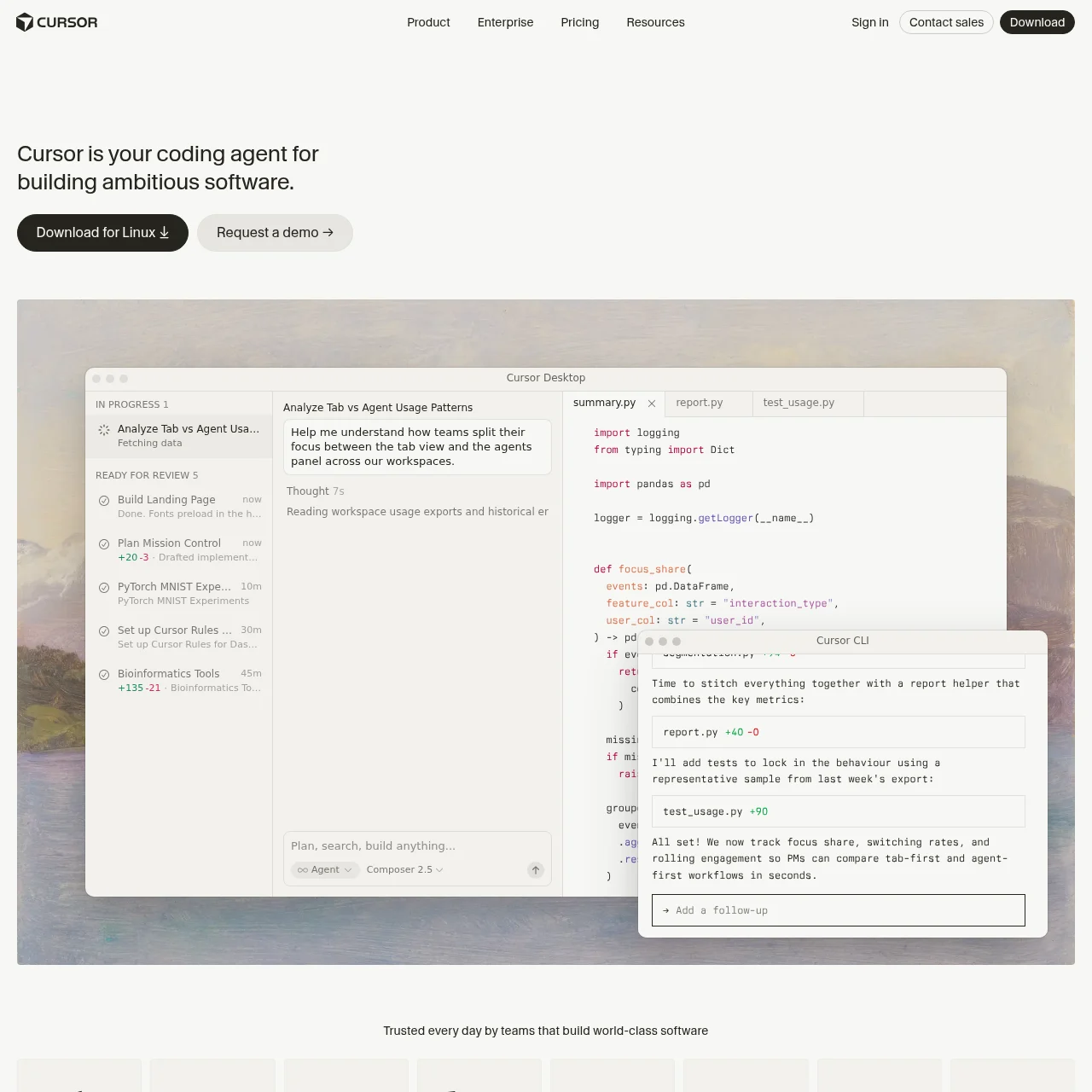
Cursor is an AI-powered coding assistant designed to make developers extraordinarily productive by automating tasks and accelerating code writing.

What is Cursor?

Cursor is a cutting-edge AI tool built for developers, offering advanced features like AI-assisted coding, autonomous agents, and integrations with GitHub and Slack. It simplifies complex workflows and enhances productivity by automating repetitive tasks and providing intelligent code suggestions.

Key Features

AI Code Assistance

Cursor provides real-time AI-powered code completions and suggestions, speeding up development and reducing errors.

Autonomous Agents

Agents handle tasks independently, from building features to testing and debugging, allowing developers to focus on high-level decisions.

GitHub Integration

Cursor reviews pull requests and debugs code directly in GitHub, streamlining collaboration and code quality checks.

Slack Collaboration

Integrate Cursor with Slack for team communication and task delegation, making teamwork seamless.

Cloud Agents

Cloud-based agents run tasks in parallel, enabling scalable and efficient development workflows.

Tab Model

Cursor's predictive Tab model anticipates your next coding action, offering ultra-fast and accurate autocompletions.

Use Cases

  • Automated Code Review: Cursor reviews pull requests in GitHub, identifies bugs, and suggests fixes, saving time for developers.
  • Agent-Based Development: Deploy autonomous agents to build and test features end-to-end, reducing manual workload.
  • Real-Time Collaboration: Teams use Cursor's Slack integration to delegate tasks and discuss code improvements in real time.
  • Scalable Cloud Workflows: Leverage cloud agents to handle multiple development tasks simultaneously, optimizing resource usage.

FAQs

1. How does Cursor differ from traditional IDEs?

Cursor integrates AI to automate coding tasks, provide intelligent suggestions, and collaborate with teams, unlike traditional IDEs that rely solely on manual input.

2. Can Cursor work offline?

Cursor primarily operates online to leverage cloud-based AI models, but some features may be available offline with limitations.

3. Is Cursor secure for enterprise use?

Yes, Cursor is SOC 2 certified and trusted by Fortune 500 companies for secure and scalable software development.

4. What programming languages does Cursor support?

Cursor supports a wide range of languages, including JavaScript, Python, TypeScript, and more, with continuous updates.

5. How do autonomous agents work?

Agents operate independently, executing tasks like feature building and testing, with results reviewed by developers.

6. Can Cursor integrate with other tools?

Yes, Cursor integrates with GitHub, Slack, CLI tools, and more, enhancing workflow flexibility.

Newsletter

Stay on top of new AI tools

Get curated AI tool launches, useful discoveries, and directory updates from VibeCodingHunt.