
Playwright is a powerful tool for end-to-end testing of modern web applications. It supports multiple browsers, platforms, and programming languages, offering features like auto-waiting, web-first assertions, and full test isolation to ensure reliability and efficiency.
Playwright
Fast and reliable end-to-end testing for modern web apps across browsers, platforms, and languages.
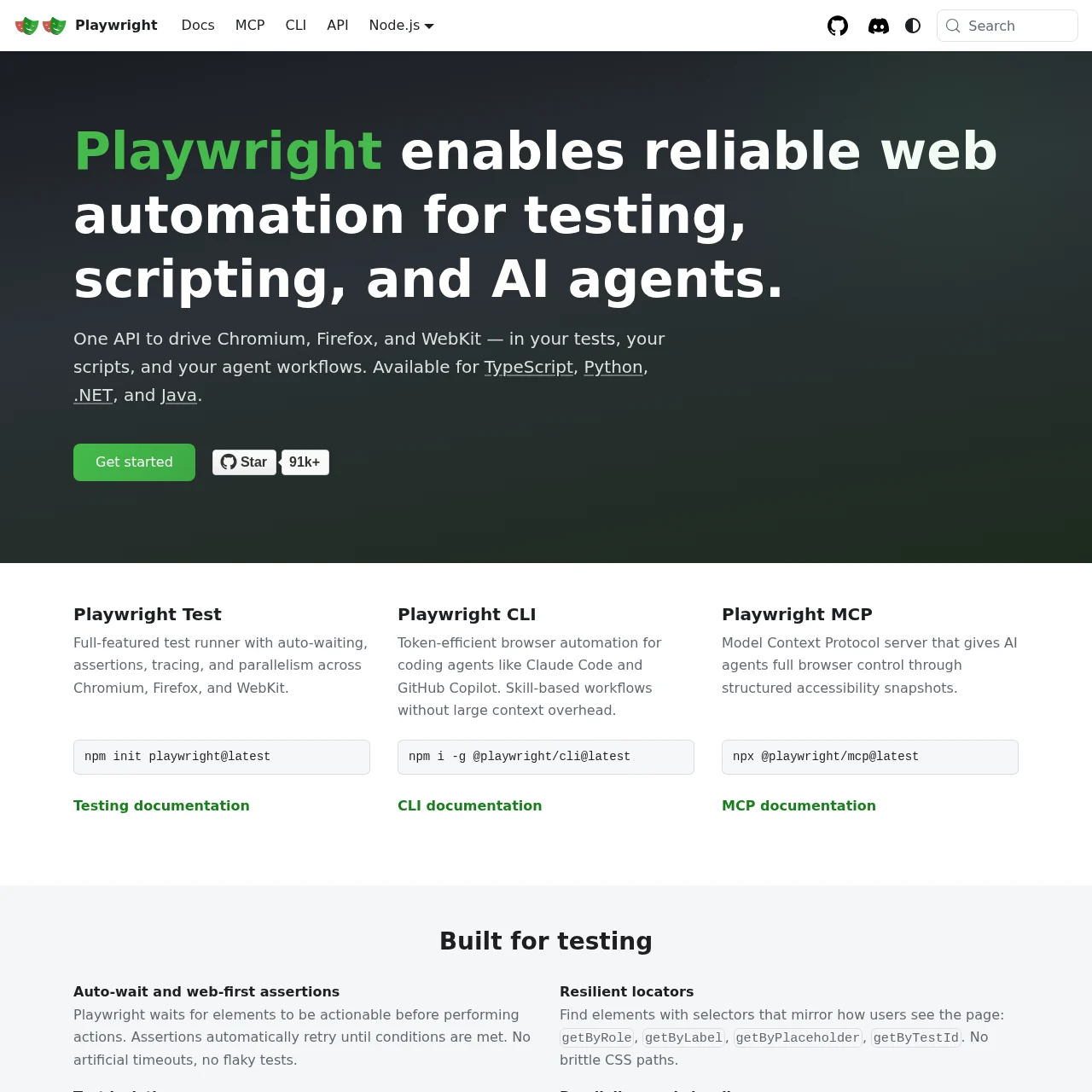
What is Playwright?
Key Features
Cross-browser testing
Supports Chromium, WebKit, and Firefox for comprehensive testing across all modern rendering engines.
Cross-platform execution
Run tests on Windows, Linux, macOS, locally or on CI, headless or headed for flexibility.
Auto-waiting
Eliminates flaky tests by automatically waiting for elements to be actionable before performing actions.
Web-first assertions
Designed for dynamic web content, assertions retry until conditions are met, ensuring robust tests.
Full test isolation
Creates a new browser context for each test, ensuring zero overhead and complete isolation.
Powerful tooling
Includes codegen, inspector, and trace viewer for debugging, recording, and investigating tests.
Use Cases
- • UI testing: Ensure UI components work as expected across different browsers and devices.
- • Automated regression testing: Automate repetitive tests to catch regressions early in the development cycle.
- • CI/CD integration: Integrate tests into continuous integration pipelines for seamless deployment checks.
- • Mobile web testing: Test mobile web applications using native emulation for Android and iOS browsers.
- • Multi-user scenarios: Simulate interactions from multiple users or contexts in a single test scenario.
FAQs
1. What browsers does Playwright support?
Playwright supports Chromium, WebKit, and Firefox, covering all major modern rendering engines.
2. Can I use Playwright with my preferred programming language?
Yes, Playwright supports TypeScript, JavaScript, Python, .NET, and Java.
3. How does Playwright handle flaky tests?
Playwright uses auto-waiting and web-first assertions to minimize flakiness by ensuring elements are ready before actions.
4. Is Playwright suitable for mobile web testing?
Yes, it offers native mobile emulation for Google Chrome on Android and Mobile Safari.
5. Can I integrate Playwright with CI/CD pipelines?
Absolutely, Playwright is designed for seamless integration with CI/CD workflows for automated testing.
6. Does Playwright support headless mode?
Yes, tests can run headless or headed, providing flexibility for different testing environments.
7. How does Playwright ensure test isolation?
It creates a new browser context for each test, mimicking a fresh browser profile with minimal overhead.
Information
- Websitewww.playwright.dev
- Published date2026/03/12