LogoVibeCodingHunt
Logo of Uizard

Uizard

Transform your design workflow with AI-powered UI and UX tools that make creating prototypes, wireframes, and mockups effortless.

What is Uizard?

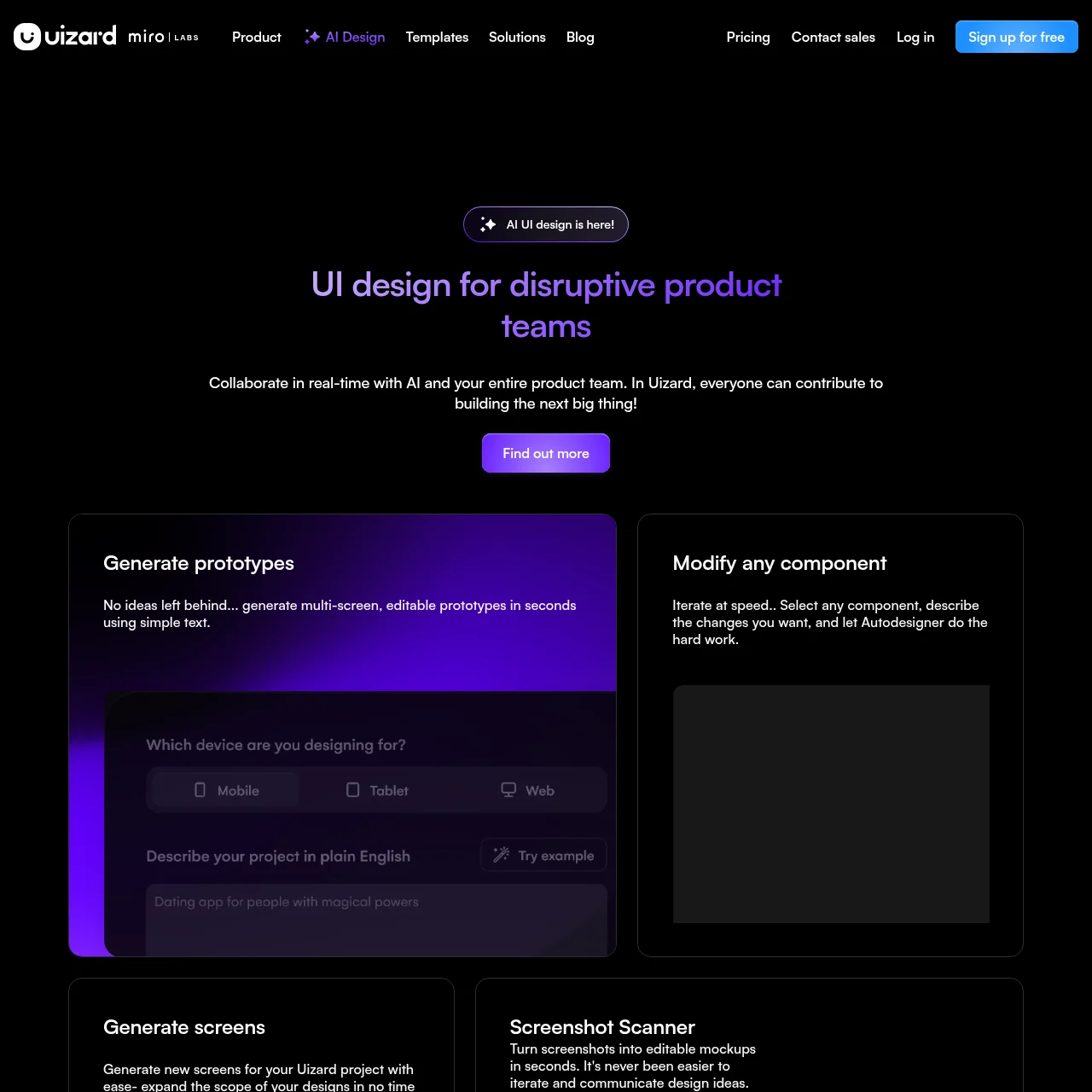
Uizard is an AI-powered design platform that enables users to create UI designs, wireframes, and prototypes with ease. It leverages generative AI to turn text prompts into editable designs, making it ideal for designers, product teams, and startups.

Key Features

Autodesigner 2.0

Generate complete UI designs and themes from simple text prompts, instantly transforming ideas into editable designs.

Screenshot Scanner

Convert screenshots into editable mockups in seconds, streamlining the iteration and redesign process.

Wireframe Scanner

Digitize hand-drawn wireframes into editable digital designs, saving time and effort in the prototyping phase.

Real-time Collaboration

Work seamlessly with your team in real-time, allowing everyone to contribute to the design process.

Design Assistant

Utilize AI-powered tools to suggest improvements, generate layouts, and automate repetitive design tasks.

Use Cases

  • Product Prototyping: Quickly generate and iterate on product designs, enabling faster validation and feedback cycles for startups.
  • Team Collaboration: Collaborate with cross-functional teams in real-time, ensuring alignment and efficiency throughout the design process.
  • Design Automation: Automate repetitive design tasks using AI, allowing designers to focus on creativity and innovation.
  • Hand-drawn Wireframes: Digitize and refine hand-drawn sketches into professional wireframes, bridging the gap between analog and digital design.

FAQs

1. How does Uizard's Autodesigner work?

Uizard's Autodesigner uses AI to generate UI designs from text prompts. Simply describe your idea, and the tool creates editable designs in seconds.

2. Can I collaborate with my team in Uizard?

Yes, Uizard supports real-time collaboration, allowing multiple team members to work on designs simultaneously.

3. Is Uizard suitable for beginners?

Absolutely! Uizard is designed to be user-friendly, with AI tools that simplify the design process for both beginners and professionals.

4. What file formats can I export from Uizard?

Uizard allows exports in popular formats like PNG, SVG, and PDF, ensuring compatibility with other design tools.

5. Does Uizard offer templates?

Yes, Uizard provides a wide range of templates for mobile apps, websites, and more, helping users jumpstart their projects.

Newsletter

Stay on top of new AI tools

Get curated AI tool launches, useful discoveries, and directory updates from VibeCodingHunt.