LogoVibeCodingHunt
Logo of Figma

Figma

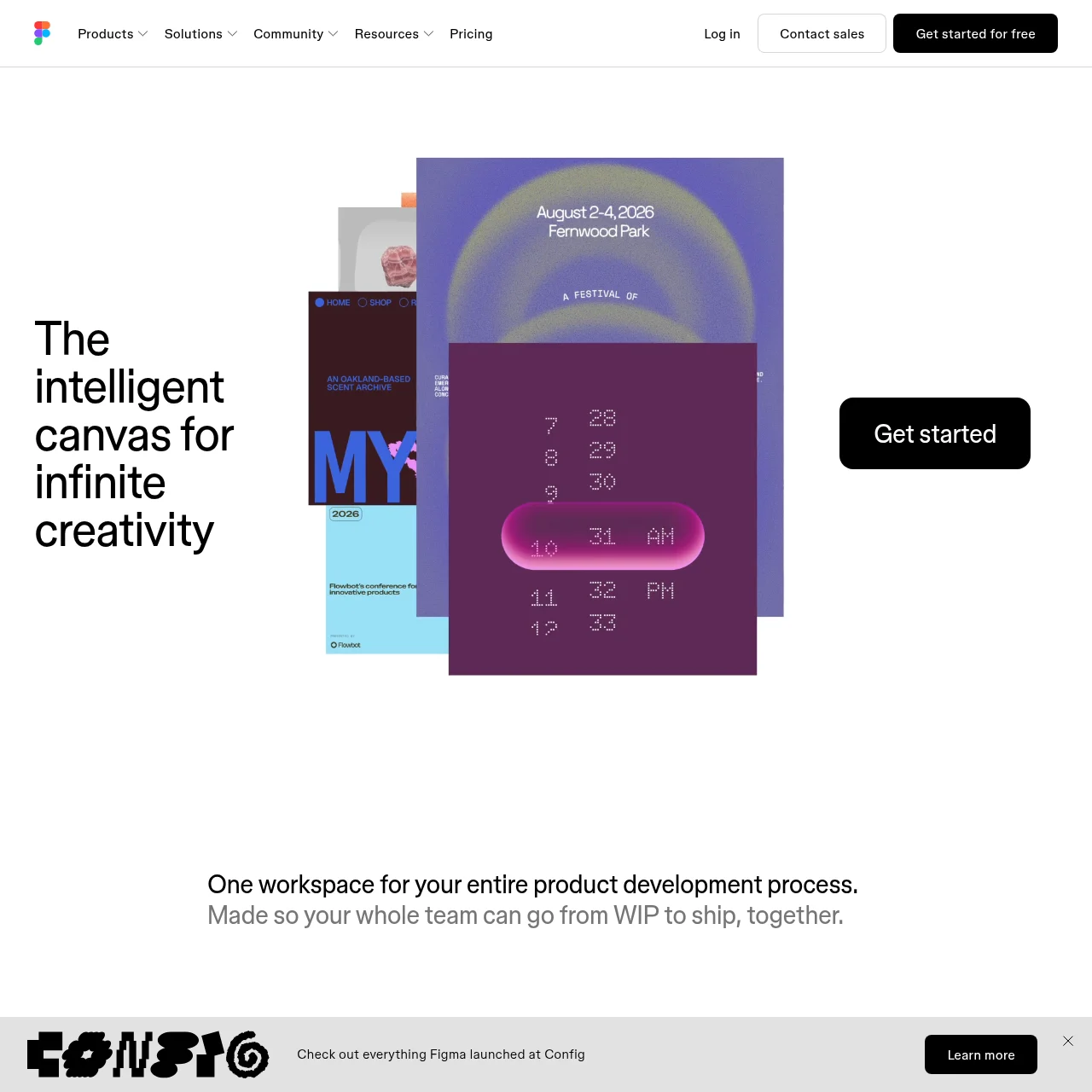
A collaborative interface design tool that enables teams to brainstorm, design, and build together in real-time.

What is Figma?

Figma is a powerful, cloud-based design tool that allows teams to collaborate seamlessly on interface design, prototyping, and development. It supports real-time editing, version control, and integrations with other tools, making it ideal for designers, developers, and product managers.

Key Features

Real-time Collaboration

Multiple team members can work on the same design file simultaneously, with live updates and comments for seamless teamwork.

Design Systems

Create and share reusable components, styles, and libraries to maintain consistency across projects and teams.

Prototyping

Turn static designs into interactive prototypes with animations, transitions, and user flows for testing and feedback.

Dev Mode

A dedicated space for developers to inspect designs, extract code snippets, and collaborate with designers efficiently.

AI-Powered Tools

Use AI features like Figma Make to generate designs, code, or assets from simple prompts, speeding up workflows.

Responsive Design

Design and preview interfaces for any screen size, ensuring adaptability across devices and platforms.

Use Cases

  • UX/UI Design: Designers create high-fidelity interfaces and prototypes, collaborating with stakeholders to refine user experiences.
  • Design Handoff: Teams transition from design to development smoothly with annotated specs, assets, and code-ready components.
  • Product Brainstorming: Use FigJam, Figma's whiteboard tool, for ideation sessions, wireframing, and strategic planning with remote teams.
  • Marketing Assets: Produce on-brand social media graphics, display ads, and presentations using templates and shared libraries.
  • Web Development: Designers and developers collaborate in real-time to build and iterate on responsive websites and apps.

FAQs

1. Is Figma free to use?

Figma offers a free plan with limited features, plus paid plans for teams and enterprises with advanced capabilities.

2. Can Figma work offline?

Figma is primarily cloud-based, but Figma Desktop allows limited offline access with syncing once reconnected.

3. How does Figma handle version control?

Figma automatically saves versions and allows you to revert to previous states or branch designs for experimentation.

4. Does Figma support plugins?

Yes, Figma has a robust plugin ecosystem for extending functionality, such as auto-layout, animations, and integrations.

5. Can Figma export code for developers?

Yes, Dev Mode provides code snippets (CSS, Swift, etc.) and asset exports tailored for developers.

6. Is Figma suitable for large enterprises?

Absolutely. Figma Enterprise offers advanced security, governance, and scalability for large organizations.

7. What makes Figma different from Sketch or Adobe XD?

Figma’s real-time collaboration, cloud-based accessibility, and AI-powered tools set it apart from competitors.

Newsletter

Stay on top of new AI tools

Get curated AI tool launches, useful discoveries, and directory updates from VibeCodingHunt.