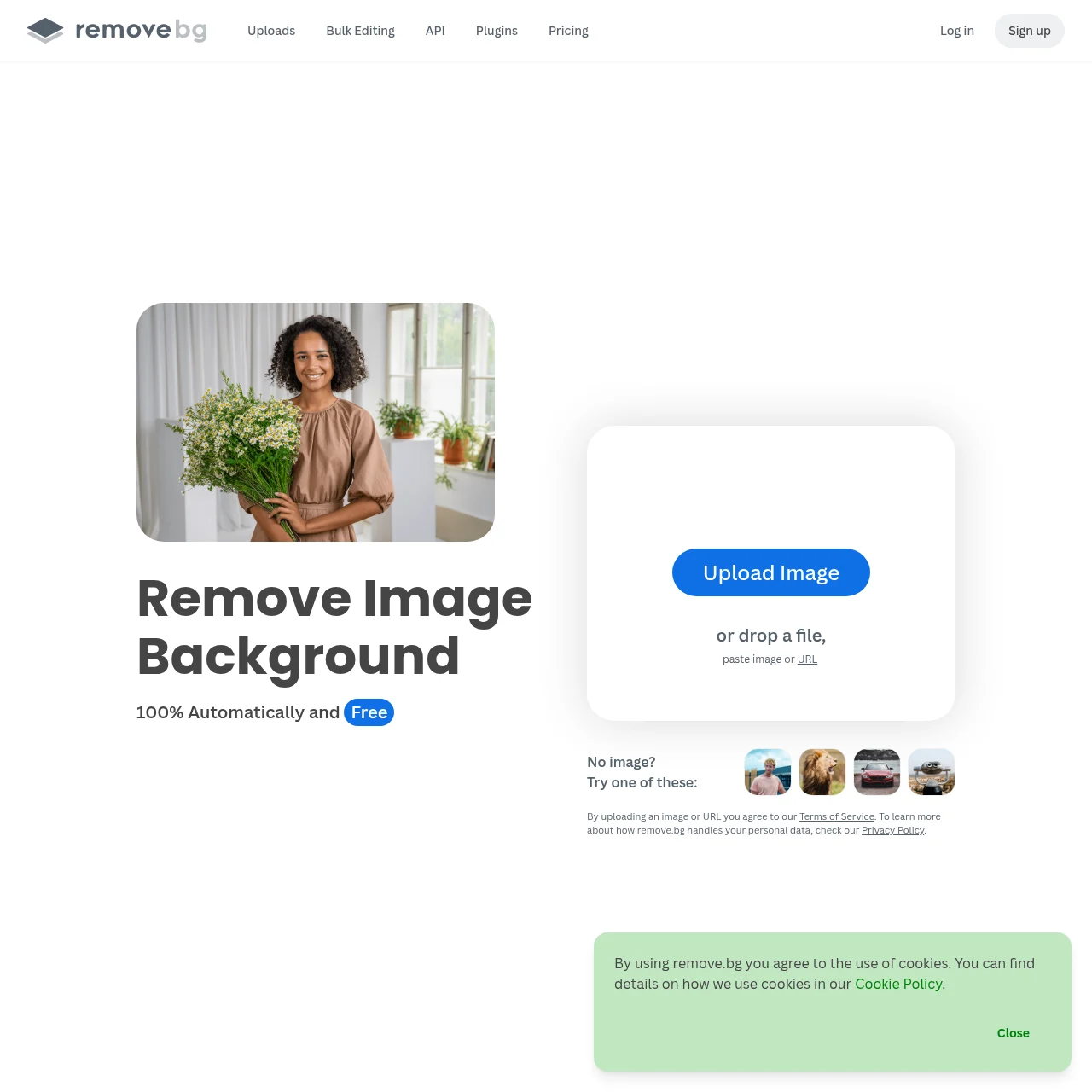
remove.bg is an AI-powered tool designed to effortlessly remove backgrounds from images with stunning accuracy. It offers both free and premium features, including batch processing and background generation, making it ideal for professionals and casual users alike.
remove.bg
Automatically remove backgrounds from images for free with high accuracy using AI.
What is remove.bg?
Key Features
AI Background Removal
Uses advanced AI to automatically remove backgrounds from images with high precision, handling complex details like hair and fur.
Bulk Processing
Process up to 500 images per minute with bulk editing, saving time for large projects.
Background Generator
Create custom backgrounds instantly without needing prompts, enhancing creative flexibility.
API & Integrations
Seamlessly integrates with tools like Photoshop, Figma, and Zapier for streamlined workflows.
Mobile App
Remove backgrounds on the go with the mobile app, available for Android and iOS.
Stunning Quality
Delivers professional-grade results with crisp edges and accurate subject isolation.
Use Cases
- • E-commerce Listings: Perfect for creating clean, white-background product images for online stores, enhancing visual appeal.
- • Professional Headshots: Isolate subjects for polished headshots, ideal for LinkedIn or corporate profiles.
- • Graphic Design: Generate transparent PNGs for logos, banners, and other design projects.
- • Marketing Materials: Create eye-catching ads and social media content by easily swapping backgrounds.
- • Car Listings: Remove distracting backgrounds for sleek, professional car photos.
FAQs
1. Is remove.bg completely free?
remove.bg offers a free tier with basic features, while premium plans unlock higher resolutions, bulk processing, and API access.
2. How accurate is the background removal?
The AI handles complex details like hair and fur with high precision, though results may vary depending on image quality.
3. Can I use remove.bg for commercial purposes?
Yes, but ensure compliance with licensing terms, especially for paid plans.
4. Does remove.bg retain my uploaded images?
Images are processed temporarily and deleted shortly after unless you opt into the Improvement Program.
5. What file formats are supported?
Supports JPG, PNG, and WEBP for uploads and outputs transparent PNGs by default.
6. Is there a mobile app?
Yes, the mobile app is available for Android and iOS devices.
7. How fast is bulk processing?
The premium plan allows processing up to 500 images per minute, ideal for large batches.
Information
- Websitewww.remove.bg
- Published date2026/03/12