
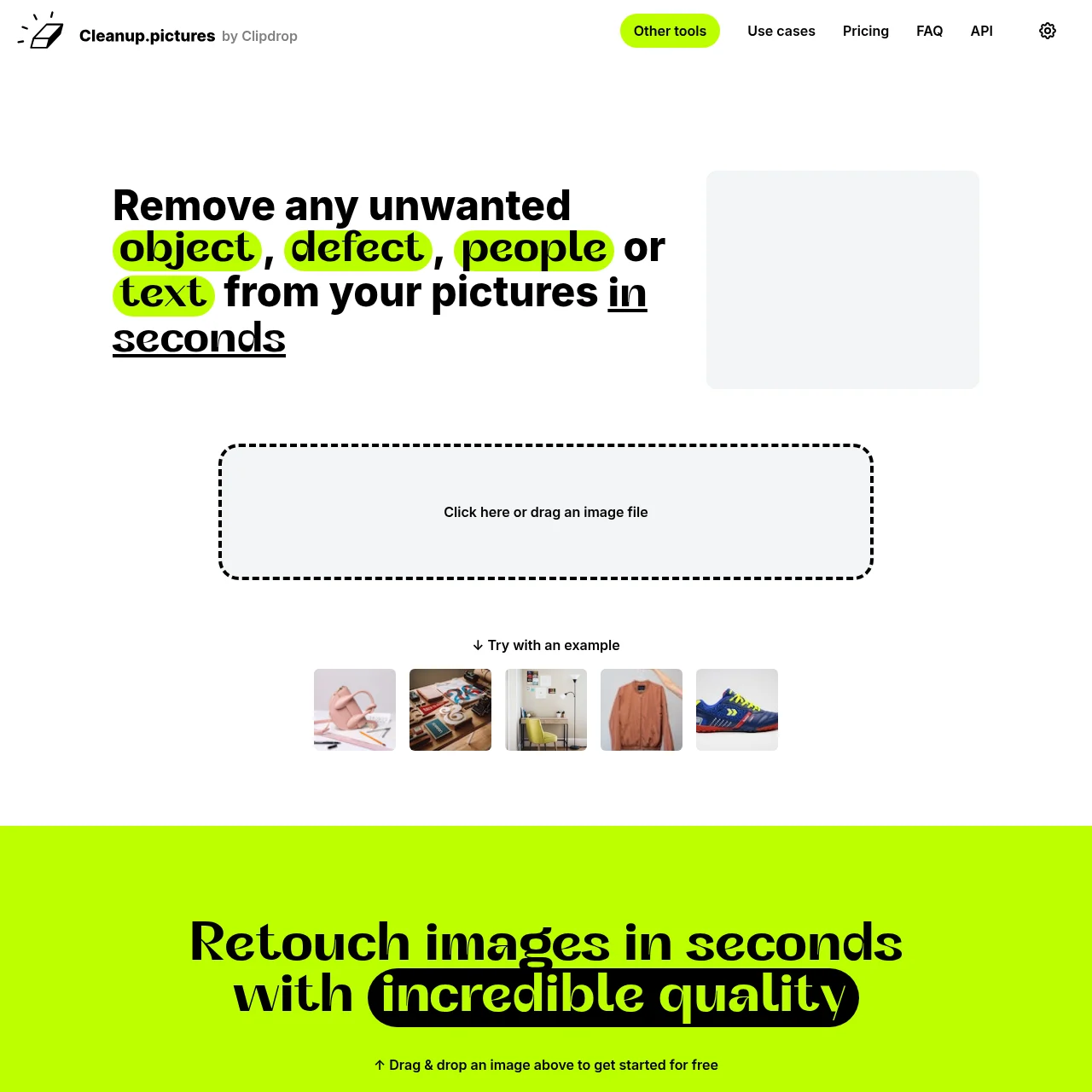
Cleanup.pictures is an AI-powered web application designed to remove unwanted elements from photos effortlessly. With a simple interface, it allows users to retouch images in seconds, making it ideal for both professionals and casual users.
Cleanup.pictures
Remove objects, people, text, and defects from any picture for free with AI-powered precision.
What is Cleanup.pictures?
Key Features
AI-Powered Removal
Utilizes advanced AI to seamlessly remove unwanted objects, people, or text from images with high accuracy.
Free to Use
Offers unlimited image edits at no cost, with resolution limited to 720p for free users.
Pro Quality
Pro version provides unlimited resolution and high-quality refinements for professional-grade edits.
Drag & Drop
Simple drag-and-drop functionality makes it easy to upload and edit images without technical hassle.
Multiple Use Cases
Supports diverse applications like photography, real estate, e-commerce, and creative agencies.
API Integration
Developers can integrate Cleanup's inpainting technology into their products using the provided API.
Use Cases
- • Photography Retouching: Photographers use Cleanup.pictures to remove time stamps, tourists, or blemishes from photos, ensuring perfect prints or profile pictures.
- • Real Estate Photos: Real estate agents depersonalize and clean property photos by removing unwanted objects or defects, enhancing visual appeal.
- • E-commerce Product Shots: Online stores create flawless product images by eliminating distractions or defects, improving social media and website visuals.
- • Watermark Removal: Users can remove watermarks or text from images, provided they have the necessary copyright permissions.
- • Creative Visuals: Creative agencies remix existing photos by replacing parts or removing elements, streamlining the design process.
FAQs
1. What is inpainting?
Inpainting is a retouch technology that removes unwanted objects from photos using AI, producing cleaner results than traditional clone tools.
2. Is Cleanup.pictures free?
Yes, it offers free unlimited edits with 720p resolution. Higher resolutions require a Pro subscription.
3. How does it compare to Photoshop?
Cleanup.pictures uses AI to guess backgrounds accurately, requiring fewer clicks and no manual referencing unlike Photoshop's clone tools.
4. Can I use the API?
Yes, the API allows integration into products with usage-based pricing and extensive documentation for developers.
5. How do I cancel my subscription?
Subscriptions can be managed or canceled via the 'manage subscription' section on the platform.
6. What resolutions are supported?
Free users export at 720p, while Pro users enjoy unlimited resolution for high-quality outputs.
7. Is there a refund policy?
Refunds are prorated based on usage time, with full refunds available for subscriptions under 14 days old.
Information
- Websitecleanup.pictures
- Published date2026/03/11