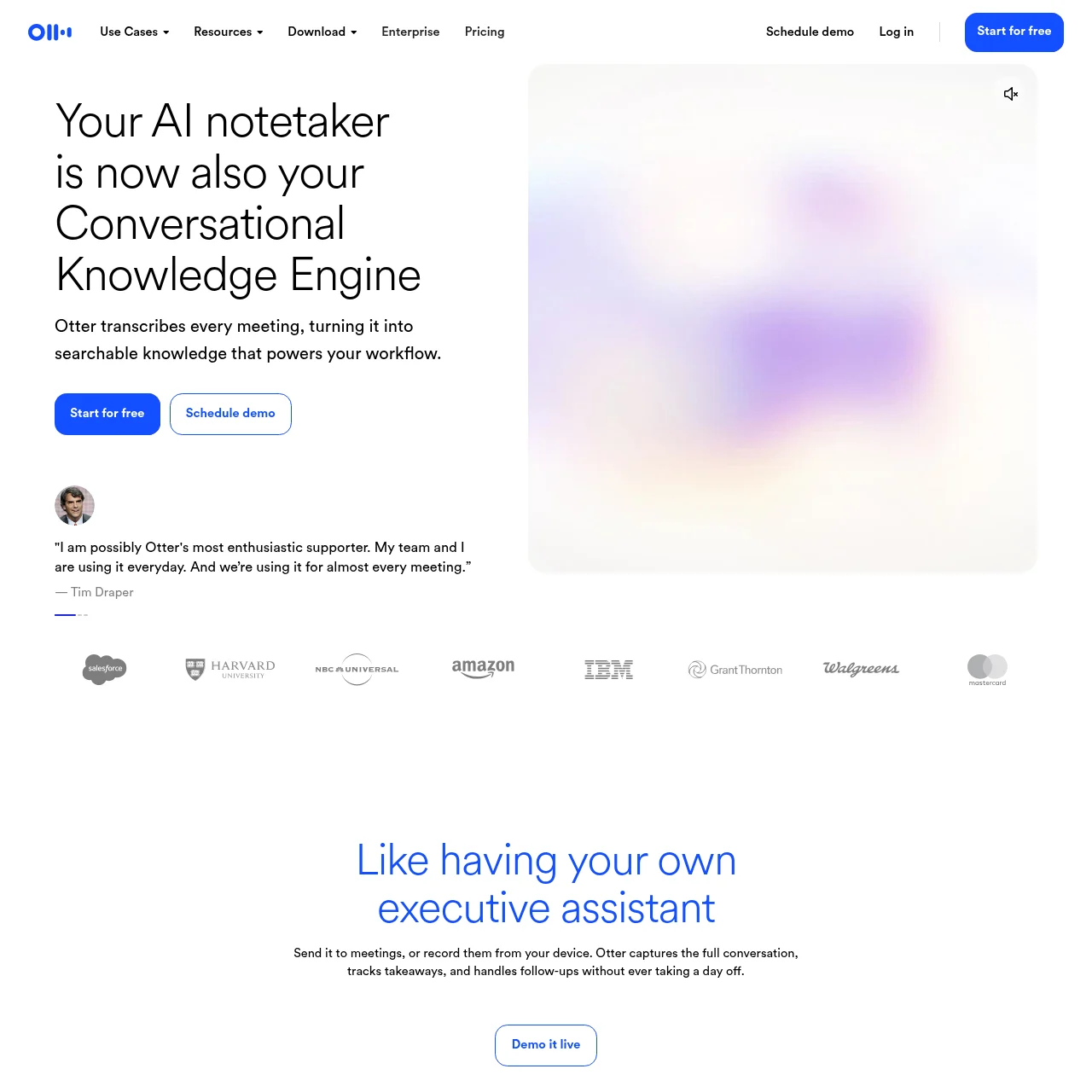
Otter Meeting Agent is an AI-powered tool designed to transform meetings into actionable notes. It offers real-time transcription, automated summaries, and seamless integration with productivity tools, making it indispensable for professionals.
Otter Meeting Agent
AI-powered notetaker that transcribes meetings, extracts insights, and automates follow-ups for enhanced productivity.
What is Otter Meeting Agent?
Key Features
Live Transcription
Provides real-time transcription of meetings in multiple languages with speaker recognition for clarity.
Automated Summaries
Generates concise meeting summaries with key decisions, action items, and insights instantly.
CRM Integration
Syncs meeting notes and key insights directly with CRM platforms like Salesforce for streamlined workflows.
AI Chat
Allows users to ask questions about past meetings and get instant answers, enhancing knowledge retrieval.
Multi-Device Support
Works across desktop, iOS, Android, and Chrome, ensuring accessibility from any device.
Voice Activation
Responds to voice commands like "Hey Otter" for hands-free operation during meetings.
Use Cases
- • Sales Efficiency: Automates follow-ups and captures detailed notes, syncing with CRM to enhance sales team productivity.
- • Education Support: Transcribes lectures, organizes notes, and extracts key insights for students and educators.
- • Media Interviews: Records and transcribes interviews, organizing thoughts and aiding content creation for journalists.
- • Recruiting Insights: Provides real-time candidate insights and syncs notes with recruiting platforms like Greenhouse.
- • Team Collaboration: Groups meetings by projects or teams, enabling seamless collaboration and knowledge sharing.
FAQs
1. How accurate is Otter's transcription?
Otter offers highly accurate transcription with speaker recognition, though accuracy may vary with audio quality.
2. Can Otter integrate with Zoom?
Yes, Otter integrates with Zoom for real-time transcription and automated meeting summaries.
3. Is there a free version of Otter?
Otter offers a free tier with limited features; premium plans unlock advanced capabilities.
4. How does Otter handle multiple speakers?
Otter distinguishes between speakers and labels them for clarity in transcriptions.
5. Can I edit transcriptions after a meeting?
Yes, transcriptions are editable, allowing users to correct or add notes post-meeting.
6. Does Otter support languages other than English?
Otter supports multiple languages, though accuracy is highest for English.
7. How secure is Otter for sensitive meetings?
Otter employs robust security measures, including encryption, to protect meeting data.
Information
- Websiteotter.ai
- Published date2026/03/10