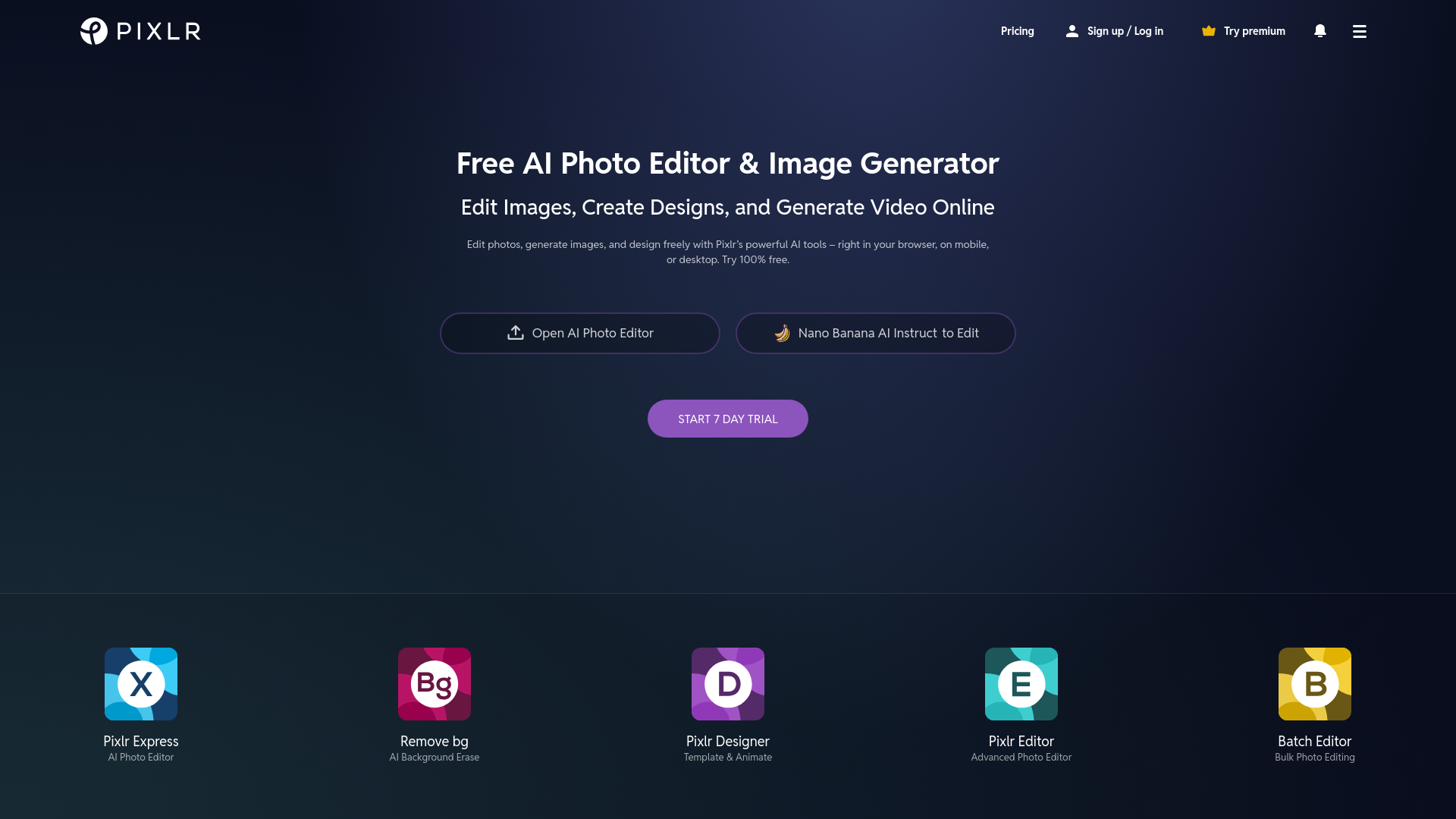
Free Online AI Photo Editor, Image Generator & Design tool is a versatile platform offering AI-driven photo editing, image creation, and design capabilities. Accessible online, it provides tools for both beginners and professionals to enhance, generate, and design visuals effortlessly.
Free Online AI Photo Editor, Image Generator & Design tool
A powerful, free online tool for AI-powered photo editing, image generation, and design with intuitive features.
What is Free Online AI Photo Editor, Image Generator & Design tool?
Key Features
AI Photo Editing
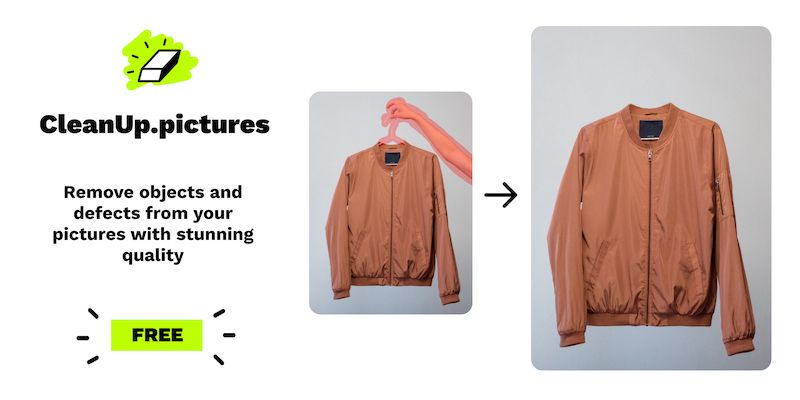
Edit photos with AI-powered tools like background removal, object removal, and advanced filters for professional-quality results.
AI Image Generator
Convert text into stunning AI-generated artwork with the revolutionary text-to-image feature.
Generative Fill
Quickly fill gaps or expand images seamlessly with AI-generated content, perfect for creative refinements.
Design Templates
Access a wide range of pre-made templates for social media, ads, and print, simplifying the design process.
Face Swap
Swap faces in images with AI precision, ideal for fun edits or creative projects.
Batch Editing
Edit multiple photos at once with bulk processing, saving time for large projects.
Use Cases
- • Social Media Content: Create eye-catching social media posts, ads, and banners with AI-enhanced visuals and templates.
- • Product Photography: Generate professional product shots or remove backgrounds effortlessly for e-commerce listings.
- • Creative Artwork: Turn text prompts into unique AI-generated art for digital or print projects.
- • Quick Edits: Make fast edits like cropping, resizing, and retouching without advanced software.
- • Fun Personal Projects: Experiment with face swaps, filters, and generative tools for personal or humorous creations.
FAQs
1. Is the tool completely free?
Yes, the tool offers a free version with extensive features, though premium plans unlock additional capabilities.
2. Does it require software installation?
No, it’s entirely web-based and works directly in your browser, with optional mobile and desktop apps.
3. Can I use it for professional work?
Absolutely, many professionals rely on its AI tools for high-quality photo editing, design, and content creation.
4. How does the AI Image Generator work?
Simply input a text prompt, and the AI generates a unique image based on your description.
5. Are there tutorials available?
Yes, the platform provides video tutorials and guides to help users master its features.
6. Can I edit multiple photos at once?
Yes, the Batch Editor allows bulk processing for efficient multi-image edits.
7. Is my data secure?
The tool prioritizes privacy, with secure processing and no unnecessary data retention.
Information
- Websitewww.pixlr.com
- Published date2026/03/12