LogoVibeCodingHunt
Logo of Free AI Video Generator

Free AI Video Generator

Create stunning AI-generated videos with voiceovers, translations, and lifelike avatars in seconds.

What is Free AI Video Generator?

The Free AI Video Generator is a powerful tool that transforms text, images, or audio clips into professional videos. It offers features like AI avatars, multilingual translations, and a text-based editor for seamless video creation.

Key Features

Text-to-Video

Generate complete videos from text scripts, including voiceovers, visuals, and styles tailored to your brand.

AI Avatars

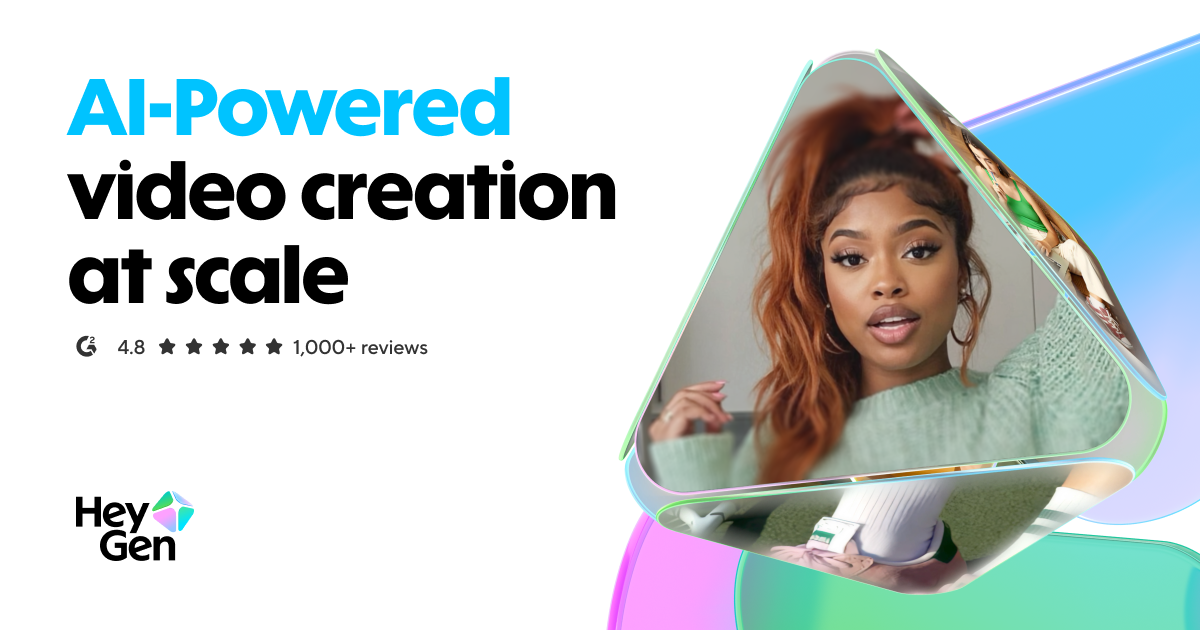
Create lifelike digital avatars with natural facial expressions and lip-syncing for engaging video content.

Multilingual Translations

Translate videos into 175+ languages with accurate lip-sync and voice cloning for global audiences.

Photo-to-Video

Transform static images into dynamic videos with AI-generated lip-syncing, voices, and transitions.

Product Ads

Easily create product placement videos for social media, complete with AI-generated avatars and scripts.

AI Studio

A text-based editor for effortless video creation, editing, and customization without technical skills.

Use Cases

  • Marketing Content: Create high-quality promotional videos for social media, websites, and ads without production costs.
  • Training Videos: Produce engaging onboarding or educational videos with AI avatars and multilingual support.
  • Social Media UGC: Generate authentic user-generated content (UGC) for TikTok, Instagram, and YouTube Shorts.
  • E-commerce Ads: Scale product ads with AI-generated videos featuring realistic avatars and dynamic placements.

FAQs

1. Is the Free AI Video Generator really free?

Yes, it offers a free tier with basic features, and premium plans unlock advanced capabilities.

2. Can I use my own voice for videos?

Yes, the tool supports voice cloning to maintain your unique voice across languages.

3. How many languages are supported?

The tool supports 175+ languages and dialects with accurate translations and lip-syncing.

4. Do I need editing skills to use this?

No, the AI Studio’s text-based editor makes video creation as simple as writing a document.

5. Can I create videos from photos?

Yes, upload any image and turn it into a dynamic video with AI-generated lip-syncing and voices.

6. Are the avatars customizable?

Yes, you can customize expressions, gestures, clothing, and backgrounds for avatars.

Information

Newsletter

Stay on top of new AI tools

Get curated AI tool launches, useful discoveries, and directory updates from VibeCodingHunt.